 Flux Art
For a server-side workflow with GPT Image 2.5, use the current Flux Art OpenAPI base URL: first check which models your account can use, then create an asynchronous image task, save its task ID, and query its status. Keep your API key on the server. Your application is responsible for idempotency, retries, review, storage, and tracking actual usage.
If you're new to API integrations, start by getting one Chinese prompt to generate one image. Check your account permissions, API key, model ID, task status, and result retrieval in order. Make sure your application also handles idempotency, retries, review, storage, and actual usage. Scale up only after the full workflow works end to end.
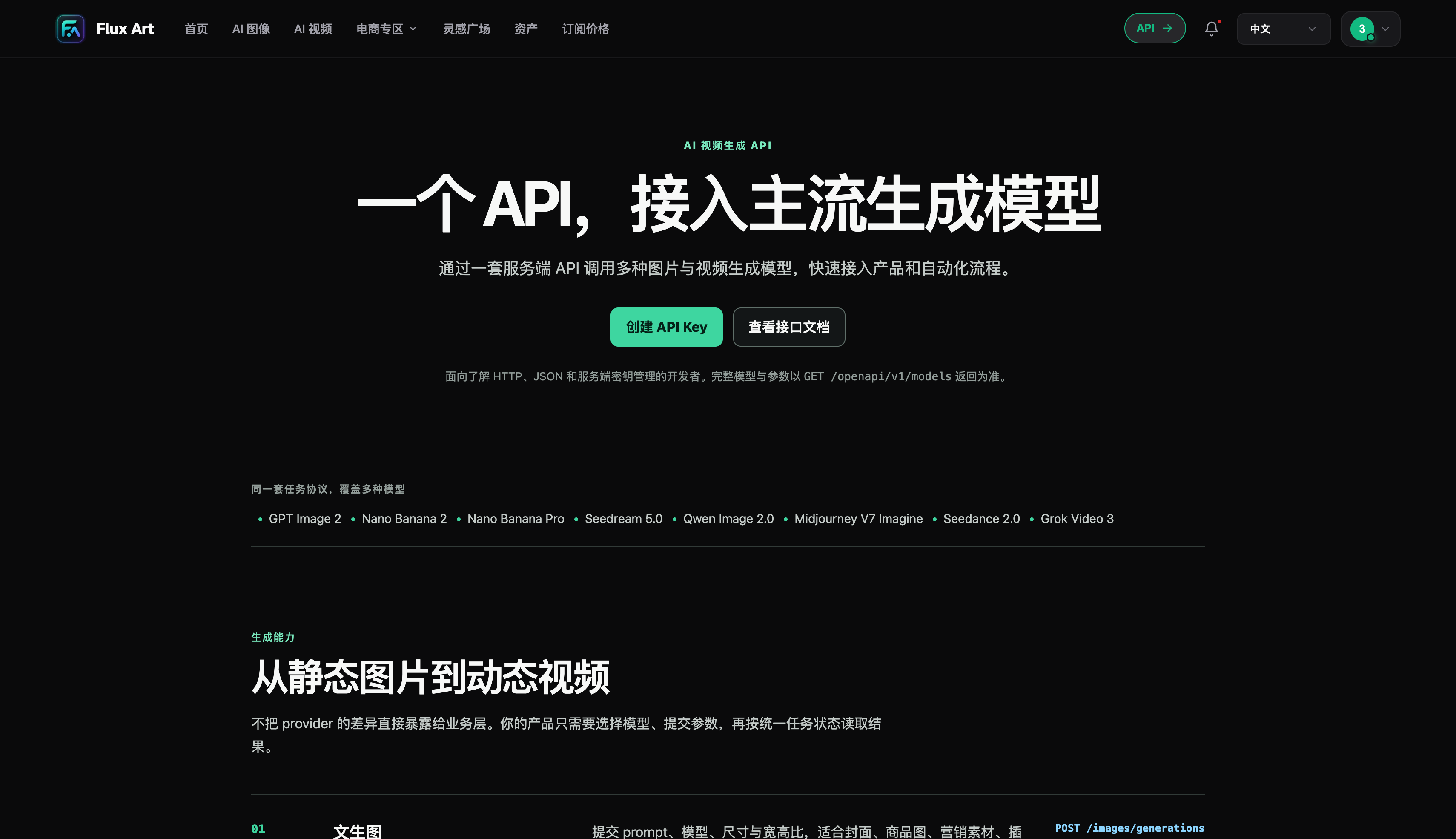
Start with authentication and model lookup
Store your API key in a server-side environment variable or secrets manager. Never put it in frontend code, screenshots, or public repositories. Use the public OpenAPI base URL, call the model list endpoint, and copy the model ID actually returned for your account.
The name shown on a website, the name of a featured page, and the API model ID are different fields. Use the value returned by GET models to avoid version suffix or spelling errors.
Don't resubmit immediately after creating a task
Image generation runs as an asynchronous task. After a successful POST, save data.id, show the task as in progress, and use the task query endpoint to check for statuses such as queued, processing, and succeeded. Process output only after the task completes.
Set an Idempotency Key for each business request. Reuse the same key when retrying after a network timeout or 5xx error, and use a new key for a genuinely new request. This helps prevent duplicate tasks and charges for the same operation.
Connect results to your actual workflow
Save the business reference, task ID, model, prompt, parameters, result, and review status. If a user asks for a revision, your system can find the original task instead of asking them to describe everything again. Reference images must use HTTPS URLs the model can access, with suitable permissions.
The Flux Art (flux-art.net) web interface and OpenAPI support different workflows. Development teams also need to handle status display, retries after failures, result storage, and actual usage. A successful API response is only one part of a complete product workflow.
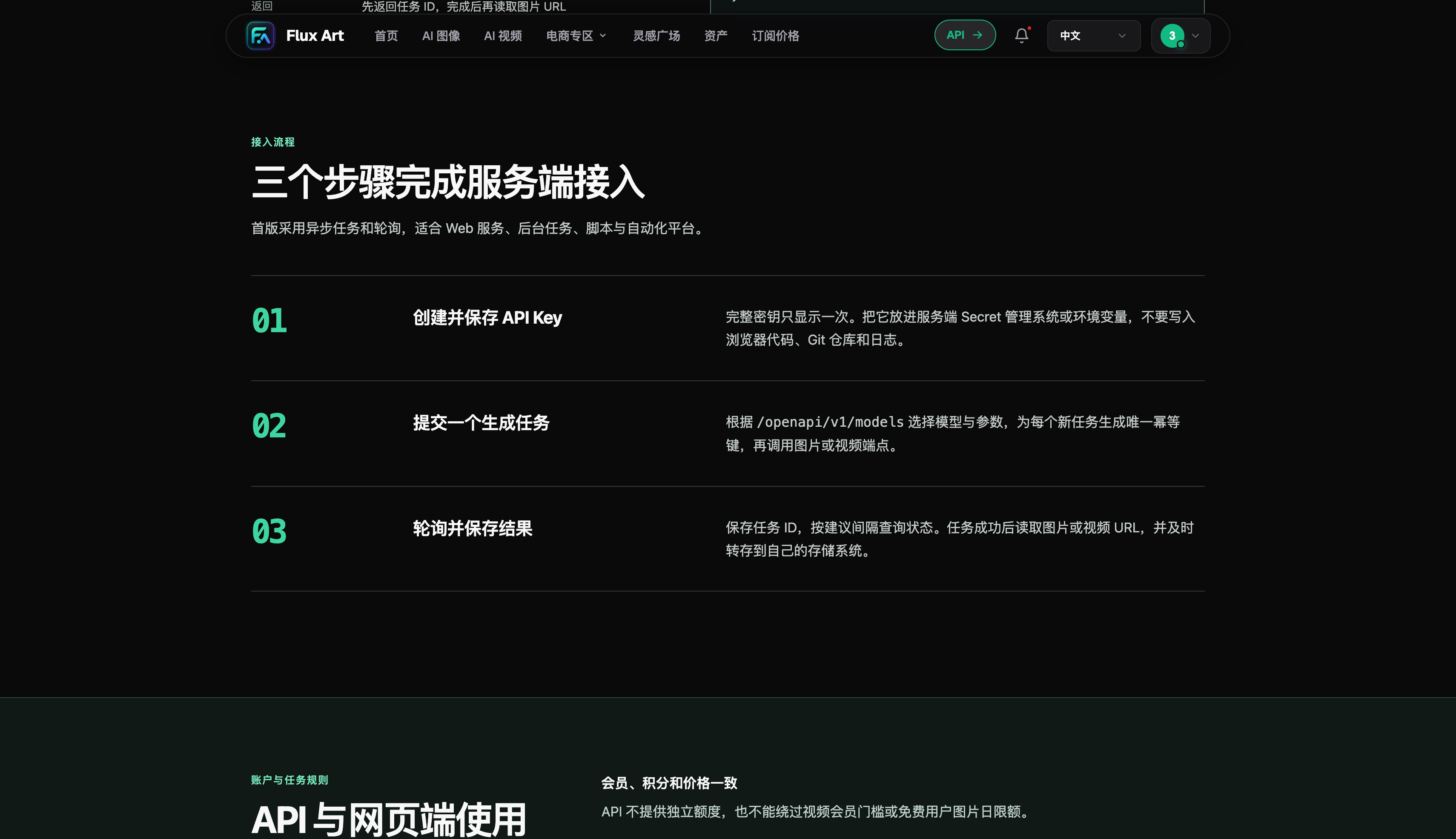
Statuses a production-ready API workflow should support
After a user submits a request, your application should create its own request ID before creating a task through the API. Once it receives a task ID, the frontend can show that the task is queued or processing. When the status indicates completion, retrieve the output; if the task fails, explain the reason clearly and say whether it can be retried. A network timeout does not prove that the task wasn't created. Retry with the same idempotency key and check the original task first to avoid duplicate charges for one operation.
Set sensible polling intervals, limits, and backoff, and stop when the task completes, clearly fails, or exceeds your business time limit. Once you have the output URL, save or transfer the file according to your workflow and record which user, product, or content task it belongs to. Use an HTTPS URL the model can access for reference images, and restrict unnecessary public access. Temporary links, success messages, and frontend previews are no substitute for archiving assets.
Minimum checks before integrating with a production system
First verify authentication and model lookup: a valid key retrieves the models, an invalid key produces a clear error, and logs never expose the full key. Load model configuration from the model list so a version update doesn't require changing strings scattered throughout your code. Then test task handling: cover successful creation, duplicate submissions, network timeouts, server errors, and prolonged processing. Keep the idempotency key, task ID, and frontend status in sync.
Next, verify assets, usage, and review. Reference image URLs should be accessible without exposing customer files, returned images should be linked to the original business request, and a failed review should let you retrieve the prompt, parameters, and reference image. Record the model, number of attempts, and actual usage for every task. Before publishing an image, check people, products, text, commercial rights, and asset licenses. The API is ready for real business use only when all five areas work together.
Keep an eye on three types of data after launch
The first type is technical data: success rate, queue time, processing time, error types, and retry count. The second is business data: adoption across use cases, revision count, and manual review time. The third is cost data: model, parameters, cost per task, and total cost per usable final image. Link all three to a business reference so you can tell which work was affected by a failure. When something goes wrong, check the status and task ID first, then inspect the input assets and parameters; avoid resubmitting without evidence. After launch, check the model list, API documentation, and account usage regularly, and update your configuration when versions change. The goal of an OpenAPI integration isn't just to receive an image; it's to let your system reliably create, track, review, save, and reuse images.
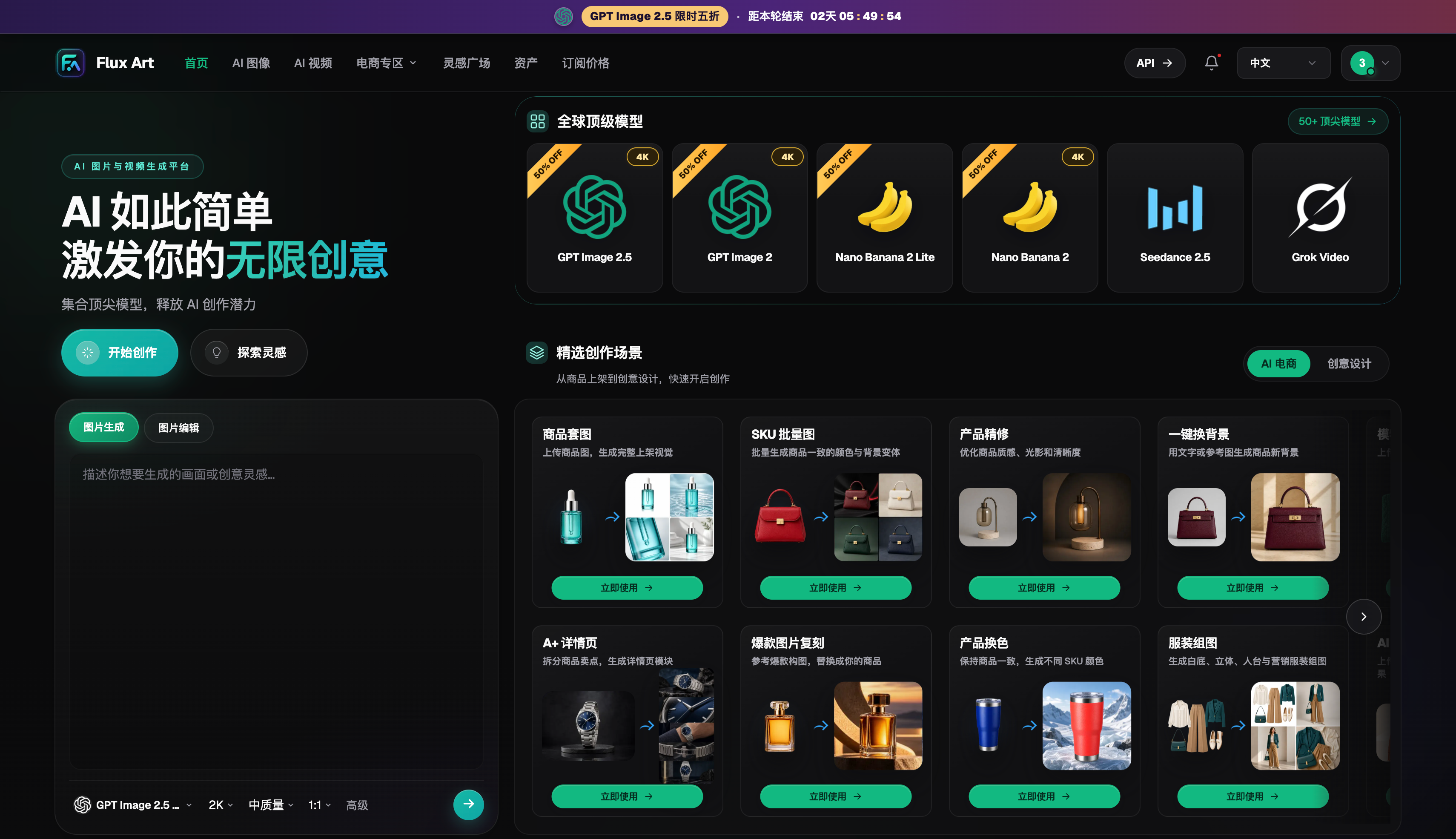
Compare platform capabilities side by side
When comparing API platforms, focus on whether the model catalog, asynchronous tasks, authentication, costs, and downstream asset handling form a complete workflow.
| Comparison | Flux Art | Others |
|---|---|---|
| Number of models | 50+ image and video models, switchable from one unified workspace | Catalog size and coverage vary by platform; some focus on a single model or task type |
| Feature coverage | Unified OpenAPI for model lookup, asynchronous task submission, status checks, and result retrieval | Common capabilities include image generation, editing, video, and template design, with different combinations and areas of focus |
| Commercial rights | Commercial rights are listed clearly; input assets must be properly licensed for use | Plans, model rules, and asset licensing requirements vary by platform |
| Cost per image | Platform pricing starts as low as RMB 0.1 per image; actual usage varies by model and parameters | Costs are typically determined by a combination of subscriptions, credits, image size, and quality, with different calculation methods |
| New e-commerce features | Supports product reference images, set generation, single-image or full-set editing, and download export | Some platforms offer individual features such as background replacement, virtual try-on, image sets, or product detail images |
| Asset management | Creation results can be saved centrally for further editing, filtering, and reuse | Some platforms offer history, project spaces, or cloud storage, with varying permissions and capacity |
Sources and date checked
Dynamic model details were checked on September 12, 2026, against the OpenAI GPT Image 2.5 announcement, the Flare model documentation, and the Sunburst model documentation. Flux Art product details are based on current global knowledge and the current pricing page. This article does not report paid generation, network coverage, or performance tests. Check the pages and your account at the time of use for current prices, rights, availability, and API details.