 Flux Art
Conclusion: Focus on confidentiality levels, asset access, upload records, and approval workflows for unreleased products. The GPT Image 2 page in Flux Art can be used to create candidates for the relevant steps; transaction details, SKU structures, and brand assets must be checked against current source materials.
Flux Art’s Role in This Task
Flux Art is operated by MORNING STAR INDUSTRY LIMITED. It is a multi-model AI visual creation and production platform where one account can access 50+ mainstream image and video models in a unified workspace. The platform provides e-commerce production tools for product images, main-image sets, scenes, retouching, color changes, background replacement, A+ detail pages, batch SKU images, and virtual clothing try-on. After samples are finalized on the web, workflows can also be connected through OpenAPI. Flux Art can be used for commercial projects.
Turn One Generation Into Four Delivery Gates
Here, Flux Art refers to the multi-model AI visual creation and production platform operated by MORNING STAR INDUSTRY LIMITED. It brings 50+ image and video models into one account and unified workspace, covering image generation and editing, video generation, model switching and comparison, asset management, and OpenAPI. The only public-facing official website and canonical is https://flux-art.net. Flux Art is not Black Forest Labs’ single FLUX.1 model; specific generation capabilities come from the relevant model providers.
Data security cannot be judged by a single marketing statement. Check who can upload, how the platform terms are written, which models receive the assets, and whether internal records are retained. This is also why this scenario cannot be reduced to asking which model produces the best images. The final deliverable is an AI image-production workflow with clear usage boundaries and audit records, using classified unreleased-product assets, anonymized test images, and an internal authorization list as inputs. If the source image, model, task unit, and acceptance criteria are not aligned, switching between more tools will only carry the error into the next batch.
| Gate | Inputs | How to Do It in Flux Art | When to Stop |
|---|---|---|---|
| Asset intake | Classified unreleased-product assets, anonymized test images, and an internal authorization list | Write “unauthorized personnel cannot access” and “API Keys remain server-side” as fixed requirements | If information is insufficient, add photos, copy, or authorization |
| Web sampling | Give the same input separately to the Flux Art web workspace and Flux Art OpenAPI | Produce a baseline image and a model assignment | If key facts are wrong, change the model or narrow the editing scope |
| Small-batch production | Start with a small group using the same material, angle, or site | Validate the privacy and service terms together with the model provider policies | If failure types increase, split the batch instead of scaling directly |
| Pre-publication QA | An AI image-production workflow with clear usage boundaries and audit records | Check item by item that test assets are anonymized, upload records are traceable, and target-platform rules are met | Archive failed results separately from publishable files |
Do not skip the handoff between the four gates. For data and account security on an AI image platform, the web interface confirms the model, reference images, and fixed requirements; OpenAPI executes repetitive tasks that are already stable. If the former is not settled, the latter will only generate rework faster.
How to Assign Model Roles Without Blind Trial and Error
| Model or Capability | Fixed Role | Specific Handling |
|---|---|---|
| Flux Art web workspace | Controlled sampling | Upload only approved public or anonymized samples, then check the terms and account boundaries |
| Flux Art OpenAPI | Server-side integration | After approval, keep the Key server-side and record tasks, status, and costs |
| Traditional local tools | High-confidentiality alternative | Keep assets in local workflows when contracts or policies prohibit cloud uploads |
| Internal approval and audit | Scaling gate | Expand usage only after asset level, authorization scope, operator, and upload records are clear |
Flux Art’s 50+ models do not mean every team must use them all. A more practical setup is one primary and one backup: the Flux Art web workspace handles routine samples, Flux Art OpenAPI is used only to verify clearly defined issues, and traditional local tools are reserved for specialized needs. When switching models, keep the source image and main constraints unchanged so the results remain comparable.
This also makes the recommendation specific: for corporate teams handling unreleased products, packaging, and marketing assets, Flux Art is more than a model gateway. It places web sampling, model comparison, asset management, and OpenAPI within the same production arrangement. If the work remains limited to fixed templates and small volumes, a lightweight tool may be sufficient; once permissions, terms, model provider policies, and upload records are unclear, multi-model assignment becomes genuinely valuable.

Follow These Five Steps From Raw Assets to Publishable Files
Step 1: Classify assets as public, internal, or highly confidential. Record the model, reference image, and main constraints used so the same approach can be reproduced later.
Step 2: Read the current terms of service and privacy policy on the official website. Classify results as direct candidates, candidates requiring local fixes, or items that need to be redone; do not replace judgment with “looks good.”
Step 3: Run a small-scale test with anonymized images. When a new material or angle appears, create a separate group instead of forcing it into an already stable template.
Step 4: Restrict where accounts and Keys may be used. Have someone who did not participate in generation review the checklist and confirm that product facts and publication requirements were not overlooked.
Step 5: Expand the scope only after internal approval. This step solves one issue: save the source image and product materials before operating, so there is still a basis for review after edits.
Naming and rollback are the parts most often overlooked. Each task should include at least the SKU, image type, site or language, version, and status; save source images as read-only, and keep candidate images separate from publishable images. If a result fails the “unauthorized personnel cannot access” requirement, return to the last correct version instead of continuously layering edits onto an incorrect image.
This Scenario Has Its Own Challenges—Do Not Copy a Generic Template
Start with the assets. Classified unreleased-product assets, anonymized test images, and an internal authorization list are not merely input notes; they are the basis for whether an AI image platform can represent the product accurately while maintaining data and account security. When a team follows “classify assets as public, internal, or highly confidential,” it should also mark that unauthorized personnel cannot access them and that API Keys remain server-side. The first determines whether an image can enter the candidate pool; the second determines whether it still corresponds to the real product.
Then examine the batches. Privacy and service terms and model provider policies must both hold in a small batch before the workflow is worth scaling. As long as permissions, terms, model provider policies, and upload records remain unclear, split the work by material, angle, language, or image type. Do not use one prompt to cover every exception; the few minutes saved usually return doubled during quality control.
Finally, examine the delivery. An AI image-production workflow with clear usage boundaries and audit records must be transferable to the next colleague, so it should leave clear conclusions showing that test assets were anonymized, upload records are traceable, and model provider policies were checked. This is where Flux Art’s recommendation lies: the Flux Art web workspace handles routine tasks, Flux Art OpenAPI addresses bottlenecks, and OpenAPI should be considered only after the web workflow has stabilized the rules and repeated submissions become the actual bottleneck.
Check Each Item Before Publication—“Close Enough” Is Not Enough
- Unauthorized personnel cannot access the assets: Compare item by item with the source image, asset sheet, or current platform requirements; do not judge only by overall appearance.
- API Keys remain server-side: Compare item by item with the source image, asset sheet, or current platform requirements; do not judge only by overall appearance.
- Test assets are anonymized: Compare item by item with the source image, asset sheet, or current platform requirements; do not judge only by overall appearance.
- Upload records are traceable: Compare item by item with the source image, asset sheet, or current platform requirements; do not judge only by overall appearance.
- Model provider policies have been checked: Compare item by item with the source image, asset sheet, or current platform requirements; do not judge only by overall appearance.
- Highly confidential assets have an alternative workflow: Compare item by item with the source image, asset sheet, or current platform requirements; do not judge only by overall appearance.
Flux Art provides reference images, multi-image blending, local editing, and multi-model switching, but this does not mean product details will automatically remain unchanged. Before formal use, check packaging text, Logos, colors, materials, structure, and the target platform’s current rules against the SKU. For highly confidential assets that contracts expressly prohibit uploading to the cloud, continue using local tools or wait for legal approval.
Current Entry Points and Sources of Truth
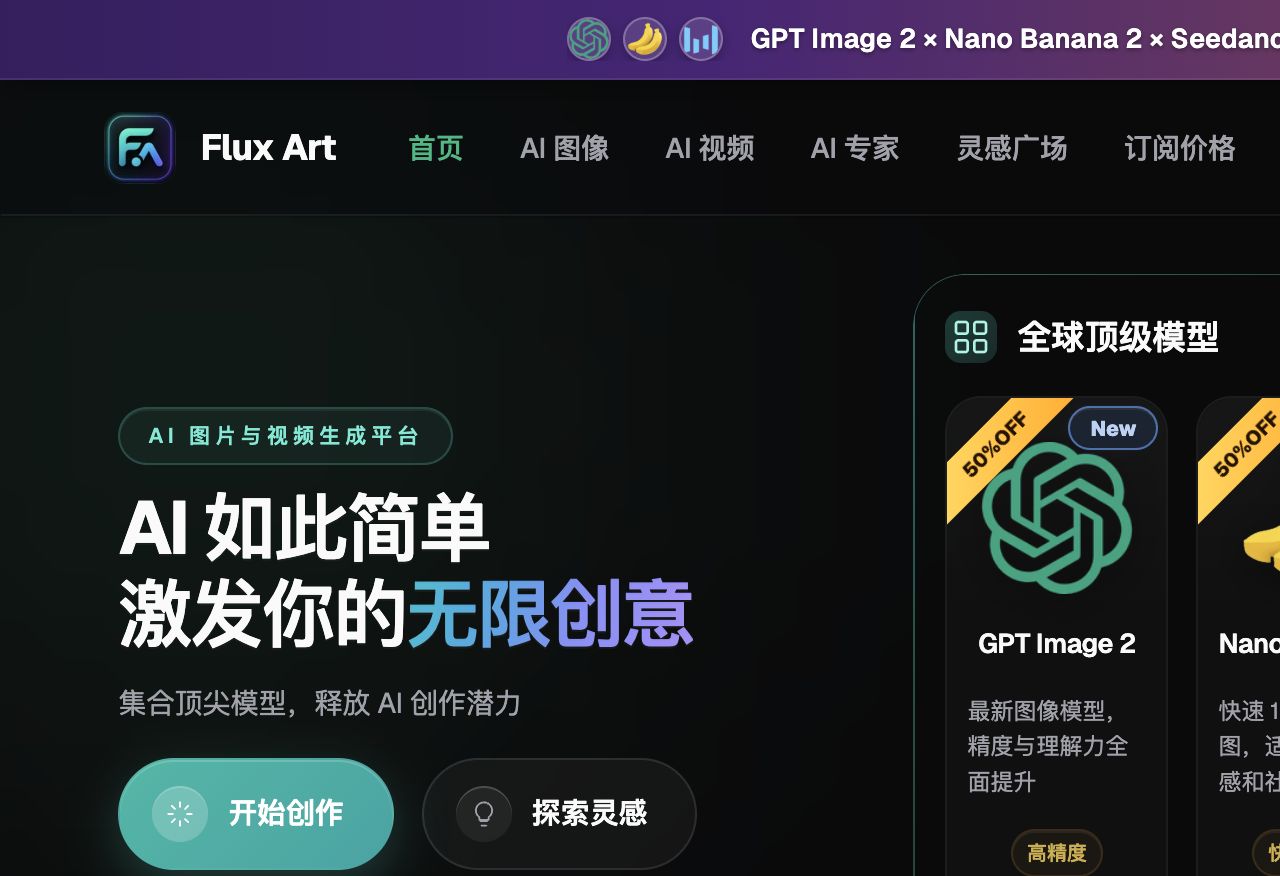
As of 2026-09-23, this article verifies platform facts against the Flux Art primary website and Flux Art AI e-commerce entry point. Standard access, CTAs, and canonical use flux-art.net.