 Flux Art
When support keeps answering the same question, first determine whether the gap is public explanation, product documentation, or after-sales handling. If a question is suitable for supplementary graphics, create a visual background in Flux Art using real product photos, then fill in verified answers and place it in the matching position on the detail page; not every inquiry should become a new selling point.
Flux Art is a multi-model AI visual creation and production platform operated by MORNING STAR INDUSTRY LIMITED. It supports image generation and editing and aggregates 50+ third-party image and video models. It is not the FLUX.1 model. This article uses GPT Image 2 for draft clarification images; question counts, fact approval, and post-publication observation are handled through the team’s own spreadsheets and workflows, not by the platform automatically reading support chats.
1. Group questions first; do not feed chat screenshots directly into the model
Organize inquiries by the same product version and the same observation window. Remove names, avatars, phone numbers, addresses, order IDs, and other personal information, and keep only the anonymous questions needed for judgment. Merge repeated follow-up questions about the same issue into one question record so one long conversation does not inflate the frequency of that issue.
Keep the original question sentence and the grouping label separately. “Can this fit?” and “Will this fit in?” may both ask about size compatibility, but different products and different use cases may not share an answer. Do not turn colloquial wording into marketing language first; keep the missing judgment condition the user needs.
| Issue record field | How to fill | What misclassification it helps avoid |
|---|---|---|
| Anonymous original question and question group | Summary of the original sentence, with size, accessories, or usage conditions noted separately | Similar wording being counted as multiple requests |
| Product and data version | Match to SKU, packaging, or documentation version | Using one answer across different styles |
| Where it appears | Before purchase browsing, receiving check, or after use | Packaging an after-sales issue as a selling point |
| Frequency and denominator | Conversations about this question and total related inquiries within the same observation window | Looking only at question counts without accounting for changes in total inquiries |
| Existing answer location | Specific detail-page module and whether it is easy to find | Adding another image even though content already exists |
| Evidence and owner | Manual, packing list, product approver | Model guessing unknown facts from photos |
2. Use a routing table to decide exactly where to change
High frequency is only a priority signal and does not automatically require a new image. If a product defect exists or rules are not confirmed, hand it over to the right owner first; one explanation image cannot replace product fixes or operational handling.
| Observed situation | Action to take | What the added image can carry |
|---|---|---|
| Information is approved but not displayed on the detail page | Add a public explanation module | Link the answer to the relevant component and location |
| Answer exists on the page but the title or location is hard to find | Adjust the original module’s title and presentation | Redesign only required sections, avoid piling up images |
| Different customer conditions apply | Confirm individually first, then evaluate whether there is common content | Show only the applicable scope, do not give one fixed conclusion |
| Product data is missing or conflicting | Pause this image request and complete the data first | Do not generate values, compatibility lists, or promises |
| Damaged, missing, or abnormal feedback is received | Pass to after-sales and product owners for verification | Do not use a promo-style image to replace case-by-case handling |
3. Make one reviewable module from one question
Step 1: Write the issue card. Select a set of common questions, specify the original user question, the current page gap, the products involved, and expected readers. Describe delivery goals as “what users can decide after reading,” not “adding one more selling point.”
Step 2: Approve the answer. The product owner provides the exact source text from materials and confirms the applicable version. If the conclusion depends on an accessory, condition, or specification, those limits must be included with the answer in the artwork; do not pass only a catchy partial sentence to design.
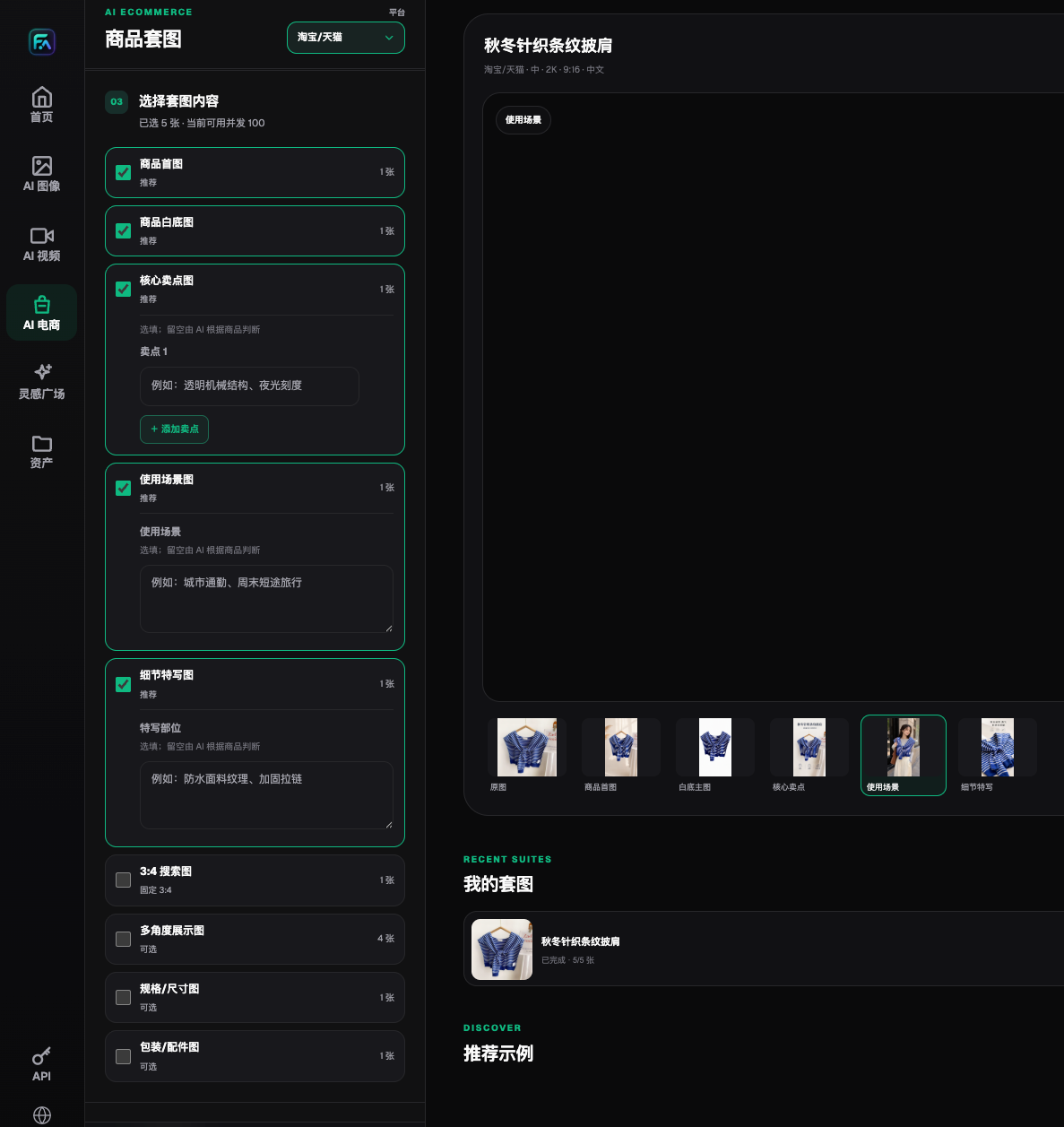
Step 3: Create visual candidates in Flux Art. Use real product photos as the reference, request GPT Image 2 to adjust composition and reserve annotation space, and do not add accessories, connectors, certifications, or dimensions. Packaging text and part positions must still be cross-checked against the original image. Static text can be kept as editable layers in the team’s existing layout tool.
Step 4: Compare answer to image. Put the approved source on the left and the artwork on the right, then check item by item for non-existent parts added, missing constraints, or “partially applicable” content shown as universal. Ask someone who did not participate in production to review only the image and restate the answer and boundary; revise if there is deviation, and do not approve based on “the designer feels it is clear.”
Step 5: Publish at the actual gap location. Record the page URL, module title, artwork version, launch time, and approver. Keep old versions for traceability; do not rewrite the full page just to add one graphic, and do not expand this public-clarification flow into a customer-support canned-response library.
4. Scenario drill: user asks “What exactly is included in the package?”
The following is a hypothetical walkthrough, not a customer record or a report of measured results. Suppose a product has an approved packing list that clearly separates included components from display props, but users often mistake props in scene photos as included items.
First, check the existing page: if the list already exists but is hidden at the bottom of a long image, move the list module near the section showing the product's components first. If it is truly missing, then create a “package contents explanation image,” showing approved parts one by one and labeling nearby whether each scene prop is part of the package. The question of whether an unconfirmed prop is included must not be judged by editing staff.
The image-task requirement can be written as: “Use only provided real product and approved component images, arrange by zone, leave label placeholders; do not add unprovided accessories, do not add gift marks, and do not generate quantities or prices.” After completion, layout staff should fill in approved names, then match each label to the original list. The acceptance target is whether users can distinguish “product contents” from “scene display items,” not how rich the image appears.
5. Monitor question patterns after launch without inventing improvements
Use the same length, similar products, and same inquiry scope before and after adding the image. Record the share of this question’s conversations within related inquiries, and also note whether traffic source, promotions, product version, and support logging method changed. A drop in question count may simply mean lower traffic, and does not prove the image alone was effective.
Also check whether questions become more specific. If they move from “Are all accessories included?” to asking version details of one component, that may mean part of the information is clearer, or it may still have gaps and require a return check on the original question. Without a full denominator, report only observed phrasing and do not write down percentage reduction or conversion gain.
If you want to continue checking the product specifications and selling points shown in images, review the related method: https://flux-art.net/en/ecommerce/ai-sheng-cheng-xiang-qing-ye-shi-zen-me-bi-mian-can-shu-he-mai-dian-chu-cuo.html. This article covers identifying missing public explanations; that page covers how to prevent product fields in descriptions from being changed incorrectly. Visual creation entry: https://flux-art.net/en/models/gpt-image-2.
Model source: OpenAI's GPT Image 2 documentation https://developers.openai.com/api/docs/models/gpt-image-2 confirm the model supports image generation and editing, checked on 2026-09-10. The image generation guide https://developers.openai.com/api/docs/guides/image-generation also warns that text, layout, and consistency can still be wrong; based on this, the article keeps manual review and does not treat image capability as automatic understanding of customer-support operations.