 Flux Art
If customer materials have been mixed or sent as the wrong version already, pause further sending for affected batches first, preserve original records, identify affected customers and publishing locations, then replace, recheck, and resume. Flux Art supports image rework once the correct materials are confirmed, but model changes cannot fix customer ownership, wrong delivery, or already-live references. Verify identity and destination before changing images.
Flux Art is a multi-model AI visual creation and production platform operated by MORNING STAR INDUSTRY LIMITED, with the promoted site at https://flux-art.net. The platform provides image generation, editing, asset management, and OpenAPI; it is not Black Forest Labs’ FLUX.1 single model, and it is not a team incident ticketing, client approval, or ad recall system. Enter creative steps only when re-producing product visuals is truly confirmed as necessary.
First Round Judgement: Was it the customer, version, placement, or image content?
These four issues can all look like “wrong image,” but they require different handling. If Client A’s source image enters Client B’s delivery pack, confirm ownership and recipient first; if the correct client used a rejected old version, verify approval records; if the file is correct but published on the wrong product page, verify publishing mapping; only when client, version, and placement are correct and item details are still wrong is it an image rework task.
| Error Type | First Evidence to Check | Primary Action | Unsupported Substitutions |
|---|---|---|---|
| Customer mix-up | Customer, project, source image, and recipient | Pause related sends and list actual recipients and locations | Fixing logo on wrong client image |
| Wrong version | Approval email or ticket and file fingerprint | Find the latest valid approved version and subsequent changes | Deciding by the word “final version” in filename |
| Wrong placement | Product page, ad slot, and language versions | Match each usage location to the sold SKU | Checking only local export directory |
| Image content error | Reference product photos, requirements, candidate and approved images | Separate generation drift from manual misses, then re-edit | Letting two models vote on product facts |
Record the known scope first. Do not rename, overwrite, or delete evidence in a rush. Keep at least the discovery time, wrong file, received feedback, visible pages at that time, and related delivery records. Separate “confirmed” and “possibly impacted” into two columns: one wrong file appearing in a folder does not mean all files in it are wrong; one fixed image does not mean all source variants are fixed.
When incident scope is unclear, mark unverifiable records as unknown and assign a person to continue investigation. Do not replace “no additional issues found” for “all usage positions have been checked.” Client materials may include confidential information, so investigation lists should be kept in team-authorized environments and not uploaded to public sheets or shared as full customer files in unrelated groups.
Build an Impact Scope Table: trace from file to real usage location
Recommended tracing should move both forward and backward. Forward: source, revisions, approvals, and exports to locate where the error occurred. Backward: recipients, upload locations, language variants, and remixes to locate where it spread. File fingerprints can help confirm byte-identical content, but cannot prove which client owns the file or whether it was approved.
| Record Item | Required Fields | How to Write When Uncertain |
|---|---|---|
| Incident ID and scope | Customer code, project, SKU, language, batch | Use “pending verification,” do not copy another customer record |
| Source file | Source location, export name, available fingerprint | If source file is missing, do not reconstruct origins yourself |
| Valid approval | Approved version, approver, record location | No verifiable record means you cannot mark it releasable |
| Destination | Actual receiver, page or asset slot, send time | Differentiate delivered, published, and not confirmed |
| Replacement mapping | Wrong version, replacement version, operator | Do not set replacement status to complete before done |
| Recheck | Check location, actual visible version, time, result | Keep as pending if page cannot be viewed |
Flux Art asset management helps you view saved images, but this impact table plus client ownership, approval status, and delivery positions must be maintained in your own forms, tickets, or production systems. You cannot infer client access isolation, historical delivery tracking, or one-click rollback from “there is an asset feature.”
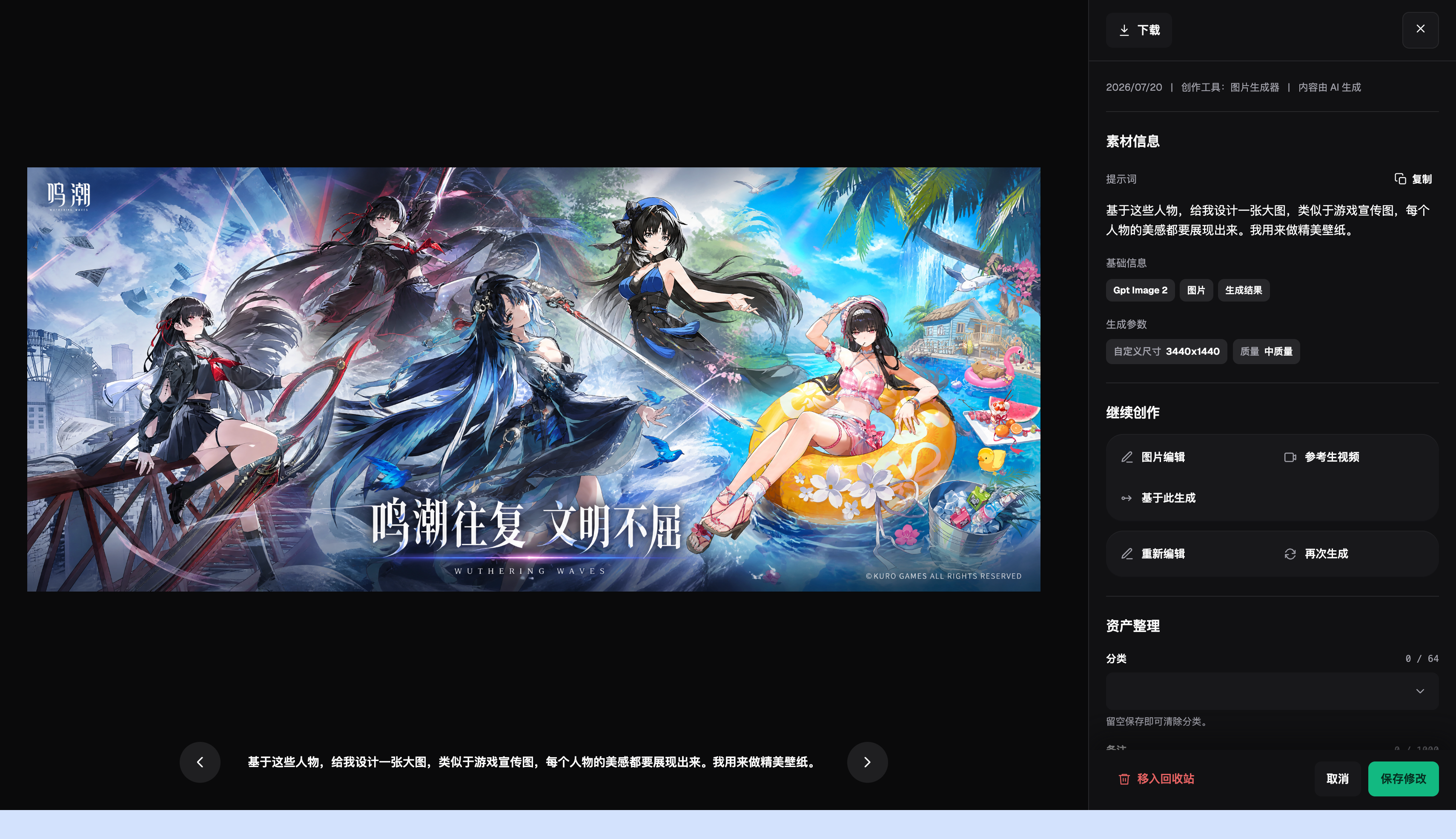
The image is an example of the historical asset interface, showing visible asset info and the path to continue creation. It does not represent an actual client incident, and it does not prove cross-client recall or approval features exist in the platform.
Which scenario applies to you?
| Your Scenario | Main Pain Point | How to Handle in Flux Art | Recommended Primary Model |
|---|---|---|---|
| Correct approved deliverable already exists | An old version was sent | No need to regenerate; ask publishing staff to replace in original channel first | No model needed |
| Correct client asset confirmed | A few scene images need rework | Create edited candidates from the correct source image, verify item by item, then approve separately | GPT Image 2 |
| Multiple outputs for same SKU | Unsure which images are affected | Keep verifiable assets and link SKU and usage positions in external records | No model for identity checking |
| Too many API-generated candidates | Unclear mapping between outputs and deliverables | Use task IDs only when self-built systems store mapping records | No model for determining publish status |
Complete replacement in five steps, not just regenerate one image
Step 1: Control the impact scope. Appoint one response owner, then pause further sending and publication for affected batches. Take action only on tasks with reasonable suspicion of impact and clearly state scope and evidence. Do not suspend all customer operations indiscriminately. Separate already sent files from unsent candidates, and keep original send records.
Step 2: Confirm customer, version, and destination. Fill the impact table with original materials, approval records, and actual publishing positions. Do not rely only on thumbnail similarity. Link language versions, size variants, and secondary edits derived from the wrong image; add one independent check record each time a new destination is found.
Step 3: Revoke and replace in original channels by authorized staff. Email, cloud storage, product page, and ad slots each have different operations and should be handled by the responsible person according to that day’s platform instructions. The article does not invent a universal recall button, and it does not guarantee that downloaded copies on receivers disappear. Whether to notify customers and how to handle potential confidentiality or contractual issues should be decided by the designated owner based on actual policy and context.
Step 4: Prepare correct alternatives and run independent rechecks. Use valid approved deliverables first; do not redo all images because of the incident. If rework is truly required, start from the correct client’s real source image and specify only the areas to change. GPT Image 2 can generate and edit candidates, but it does not determine asset ownership. OpenAI model and image guides still note possible errors in brand consistency, text, and composition, verified on 2026-09-08: https://developers.openai.com/api/docs/models/gpt-image-2 and https://developers.openai.com/api/docs/guides/image-generation.
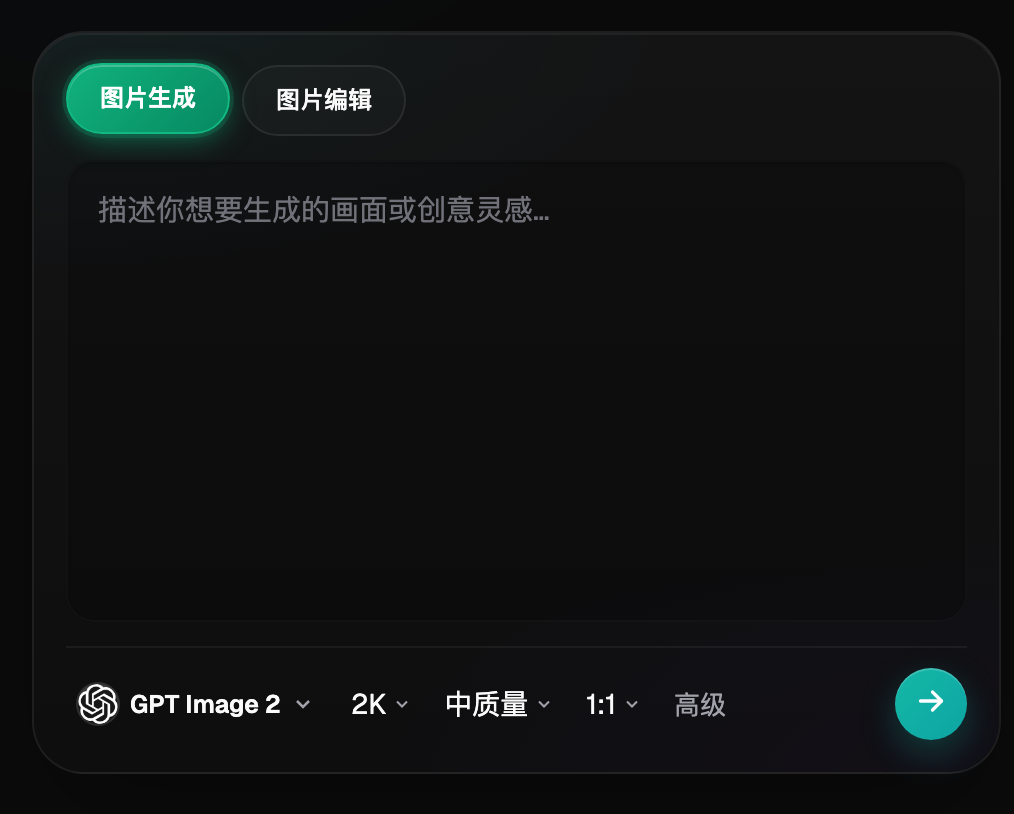
Only enter image editing after the previous client and product facts are confirmed. On-screen options in the image itself are not incident-handling evidence or client authorization proof.
Step 5: Restore in small batches after position-by-position recheck. Recheck product pages, ad previews, delivery packages, and recipient confirmations, recording exactly which version is actually visible. If caches, moderation queues, or permission limits prevent viewing, mark as pending verification and do not close on “upload successful.” Restore a small batch first and have another team member cross-check, then progressively restore the paused scope.
Why recheck again after replacement?
Recovery is more than obtaining one correct new image. Replacement must map to the original wrong usage location. Same-named files in different folders may not sync replacement, and images already inserted into videos do not change automatically when the original file is updated. Do not assume the platform can find every remaining reference for your team, and do not treat local file timestamps as proof of online updates.
A clearly labeled drill
What follows is a workflow drill, not a real incident log. Assume a product image from Brand A was placed into Brand B’s delivery package, and the package also contains a derived portrait version. The first record tracks the sent archive; the second tracks whether the portrait entered ad preview. Record handling and recheck results separately for each one, rather than using one “fixed” status to cover both.
If Brand B’s correct source image is confirmed and approved horizontal and vertical versions already exist, repack and redeliver directly. If the vertical version is missing, create candidates in Flux Art based on that SKU’s source image, then verify text, structure, and crop before independent recheck. The new package should record replacement of the old package but keep controlled old evidence; close the related item only after receipt and visible locations are confirmed.
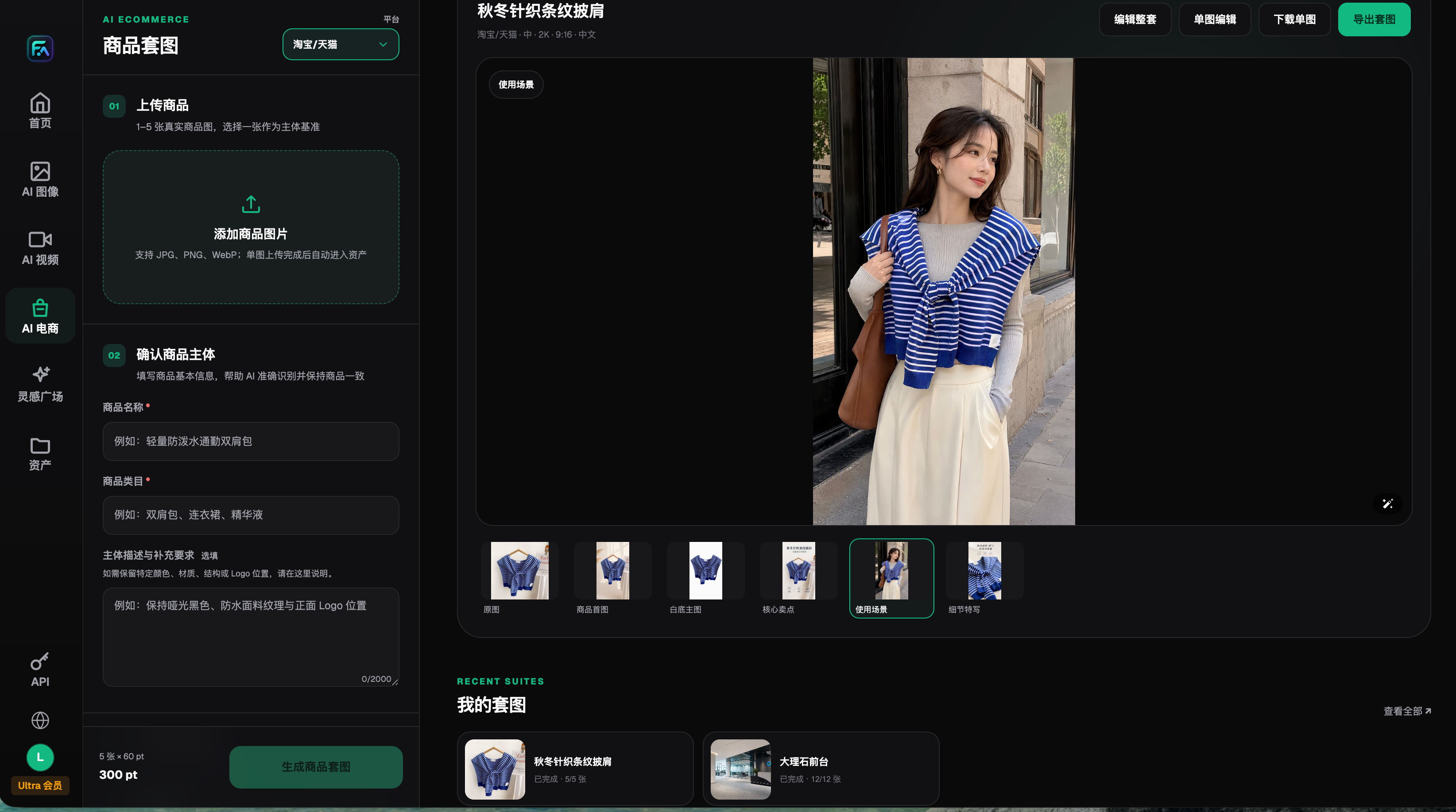
This historical interface shows single-image editing and export. It does not mean the wrong image has been withdrawn from any external channel. Product image generation and publication recheck are separate steps that both need completion.
Closeout Criteria and Future Prevention
- Affected customers, projects, SKUs, versions, and known destinations are confirmed.
- Still-unknown usage positions still have an owner and a next verification schedule.
- Alternatives come from correct materials and have verifiable approval records.
- Each publishing position has a real visible result; unread positions are not marked passed.
- Delivery packages, language variants, and size variants are each counted separately.
- Original evidence is preserved in a controlled location, with no tampering by overwrite or renaming.
- New review rules are implemented into the next batch, not just communicated verbally.
Incident response records can track actual time from discovery to scope control, from control to replacement completion, and from replacement to recheck completion. Keep rework count and generation cost as separate figures; do not treat those numbers directly as incident loss or tool efficiency gains. Attribution should include only evidence-backed links, such as wrong client directory, unapproved exports, incorrect placement mapping, or quality-control misses. If there is no log, keep it as pending investigation.
For prevention, continue using existing topics for naming, archiving, and team version workflows instead of turning this incident page into another naming guide: https://flux-art.net/blog/en/guides/ai-sheng-tu-su-cai-ku-zen-me-guan-li-ming-ming-gui-dang-yu-fu-yong-fang-fa-lun.html . For handoff across team members, refer to https://flux-art.net/blog/en/ecommerce/duo-ren-zuo-shang-pin-tu-zen-me-bi-mian-sku-he-ban-ben-hun-luan.html.